One frame
Frame Pipeline
The renderer is a physically-based HDR pipeline running on an abstracted render device — the same scene renders identically across Metal, OpenGL, Direct3D and Vulkan because every backend implements one common interface. A frame flows through these stages:
Cross-platform
Graphics Backends
Five backends implement the render device:
Metal (macOS), OpenGL
(everywhere), Direct3D 11 and
Direct3D 12 (Windows) and
Vulkan. Pick the backend under
Edit ▸ Preferences ▸ Renderer. Metal and OpenGL are
the flagship backends with the deepest feature set; the others
track them.
| Feature | OpenGL | Metal | D3D11 | D3D12 | Vulkan |
|---|---|---|---|---|---|
| PBR geometry, node-graph materials, instancing, GPU skinning, in-game UI | ✅ | ✅ | ✅ | ✅ | ✅ |
| Procedural sky, IBL ambient, fog, aurora, stars | ✅ | ✅ | ✅ | ✅ | ✅ (basic) |
| HDR post-FX chain (bloom, ACES, FXAA), SSAO/HBAO/GTAO | ✅ | ✅ | ✅ | ✅ | ✅ |
| Cascaded shadow maps (3 cascades) | ✅ | ✅ | single map | single map | single map |
| 3D-volumetric cloud mode, god rays, lens flare, contrails, cirrus, shooting stars | ✅ | ✅ | partial | partial | partial |
| GPU weather particles (rain/snow simulation on GPU) | ✅ transform feedback | ✅ compute | — | — | — |
Note: material node graphs cross-compile to every backend automatically — you never author per-API shaders. See the material pipeline.
Light
Lights & PBR
Surfaces use a metallic-roughness workflow (Cook-Torrance BRDF): albedo, metallic and roughness describe every material, lit by the scene's analytic lights plus image-based ambient and specular derived from the sky itself.
| Light type | Properties |
|---|---|
| Directional | Color, Intensity, Casts Shadow — parallel light, the shadow-casting type. |
| Point | Color, Intensity, Range (attenuation radius). |
| Spot | Color, Intensity, Range, Spot Angle. |
The Sun and Moon are two automatic directional lights owned by the Sky entity — their direction, colour and intensity are driven entirely by the Environment settings (time of day, moon phase), so a day-night cycle lights the scene correctly with no manual keyframing.
Depth
Shadows
On Metal and OpenGL the directional light renders cascaded shadow maps — three 2048² cascades fit to slices of the camera frustum, texel-snapped so shadows don't swim as the camera moves. Cascades are bounded to a 250 m shadow distance, which keeps the near cascade sharp. Direct3D and Vulkan currently use a single shadow map.
Meshes opt in per component with Casts Shadow and Receives Shadow. A debug view tints the image by cascade index for tuning.
Polish
Post-Processing
After the HDR scene pass, the frame runs through the post chain.
Settings live in Edit ▸ Preferences ▸ Post-processing:
| Stage | What it does · settings |
|---|---|
| Ambient Occlusion | Darkens creases and contact points — affects only the image-based ambient term, never direct light. Choose the algorithm: SSAO (kernel sampling), HBAO (horizon-based visibility) or GTAO (ground-truth horizon arcs); tune Radius and Intensity. Disabled = zero cost. |
| Bloom | Bright pixels glow past a Threshold, blurred and added back at an Intensity. |
| Tonemap | ACES filmic curve maps HDR to display range, followed by gamma correction. |
| FXAA | Fast approximate anti-aliasing on the final image. |
Above
Sky & Atmosphere
The sky is fully procedural — atmosphere, sun, moon, stars,
clouds, aurora — and doubles as the scene's image-based light
source. All of it lives on the Sky entity's Environment
component, edited in the Details panel and scriptable at
runtime through the env API group (every field has
a get/set).
Day-night cycle
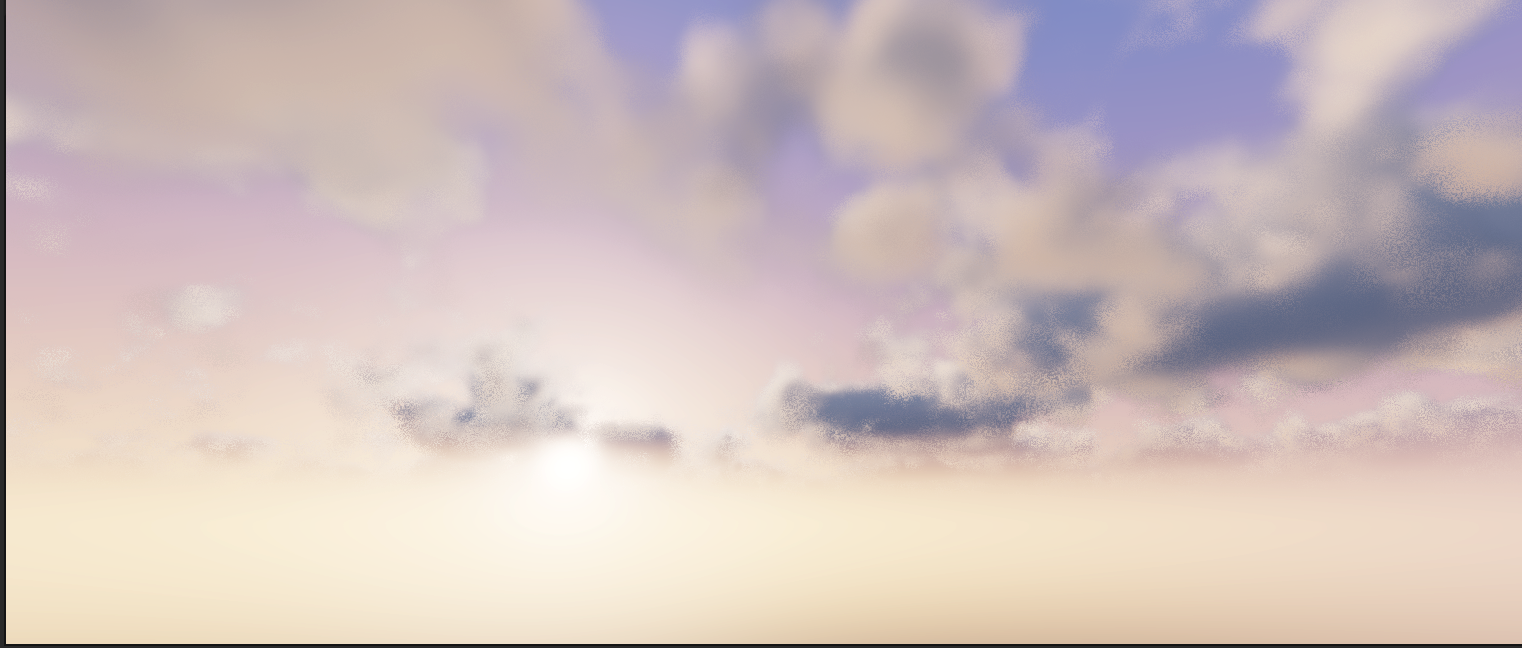
A time-of-day clock slider (0.25 = sunrise, 0.5 = noon, 0.75 = sunset) with optional Auto-Advance and a configurable full-day length. The sun and moon arcs, their colours and brightness, the moon phase (eight named phases, with an optional automatic lunar cycle over N days) all follow the clock.
Clouds
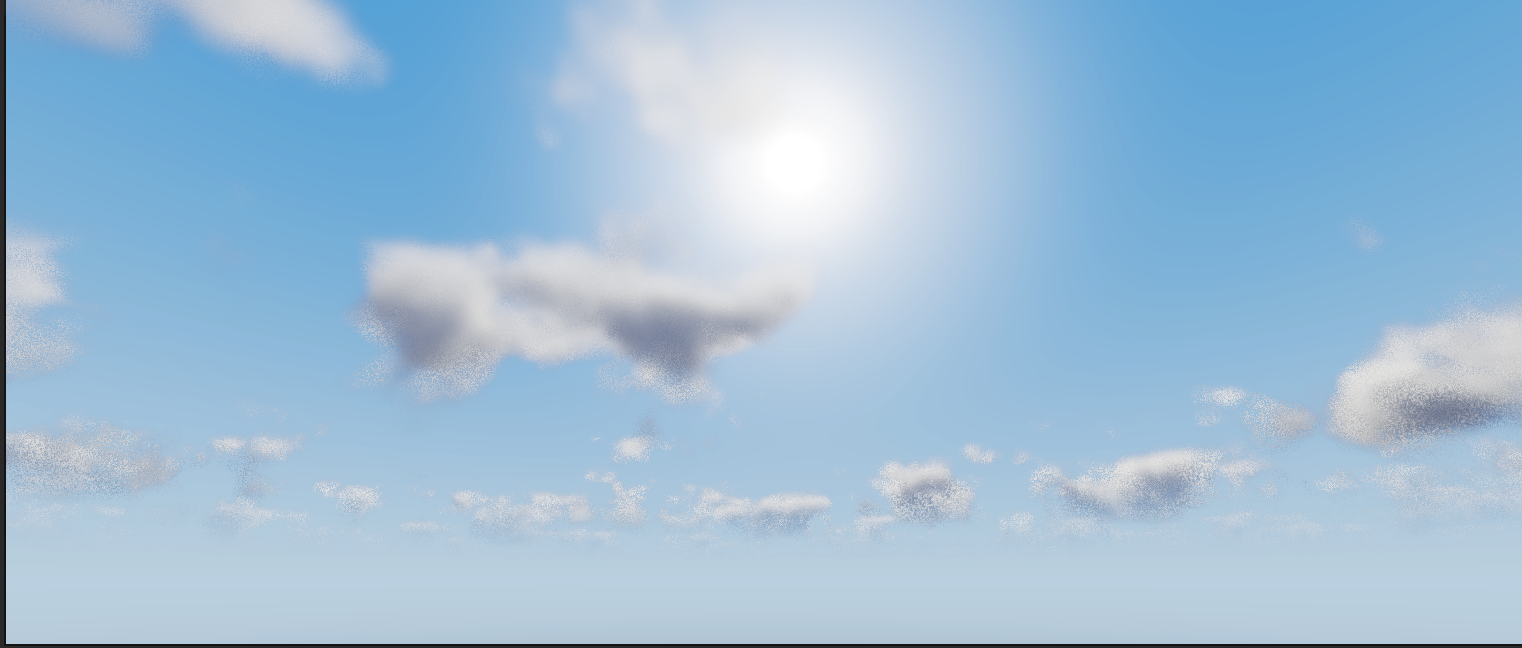
Coverage-driven procedural clouds with two modes — Sky-dome (default) and 3D volumetric (parallax), where clouds are anchored in world space and parallax as you move (with a tunable cloud height). Quality presets (Low / Medium / High), an optional quarter-resolution cloud pass for performance, plus Density, Fluffiness, Tint and wind direction/speed. Separate Cirrus and Contrail layers add high-altitude detail.
Sun effects, fog & precipitation
- God rays — crepuscular rays through broken cloud; Lens flare — camera artifact overlay.
- Atmospheric fog — density plus a ground-hugging height falloff; distant geometry picks up aerial perspective.
- Rain / Snow / Wetness — precipitation amounts spawn particles, wetness darkens the ground and snow whitens it (usually driven by the Weather system).
Night sky
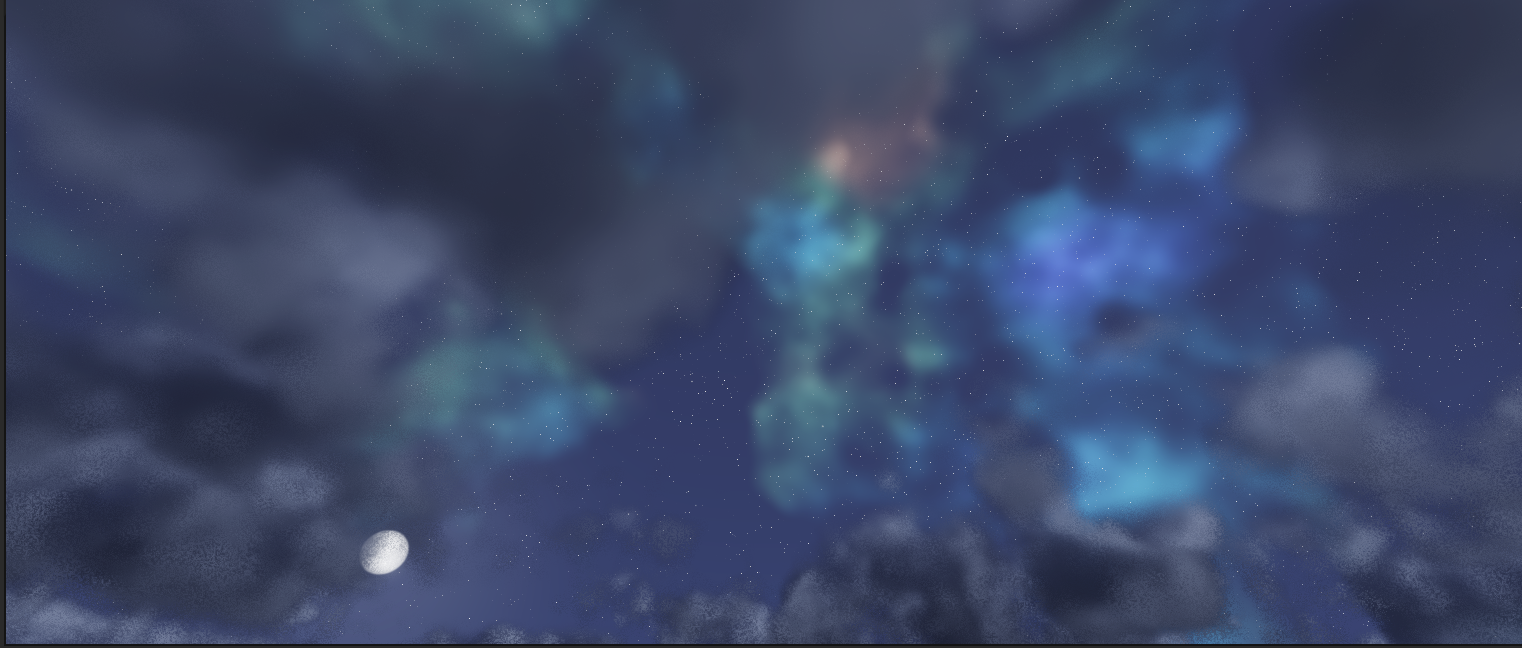
- Stars — brightness, colour, density, size and variation, glow, twinkle.
- Milky Way band and night-only shooting stars.
- Nebula — three-colour procedural nebula with quality presets and a seed.
- Aurora — intensity, base and top colours, height and fragmentation.
Dynamic
Weather
The Weather entity blends between built-in presets — Clear, Cloudy, Overcast, Foggy, Rain, Storm, Snow — and writes cloud coverage, fog, wind, precipitation and wetness into the Environment over a configurable transition time. An Auto-Cycle mode wanders between weathers on its own.
- Intensity scales the active preset; Transition sets the blend duration.
- Precipitation — camera-following rain and snow particle pools (with per-type particle caps) that collide with the ground; on capable backends the simulation runs entirely on the GPU.
- Storm adds lightning flashes with an optional thunder sound asset.
- Environment sliders stay live — once you hand-tune a field, the weather stops owning it.
Scripts can drive weather directly via
env.setCloudCoverage, env.setFogDensity,
env.setWindSpeed and friends.
Fast
Performance Features
| System | What it does |
|---|---|
| Frustum culling | Off-screen objects never reach the GPU; the shadow pass culls against the light instead so off-screen casters still shadow. |
| LOD system | The LOD component swaps meshes by camera distance; terrain chunks generate their own LOD chain automatically (65→33→17→9 vertices per chunk edge) with skirts hiding the seams. |
| GPU instancing | Same-mesh objects batch into one instanced draw automatically, with per-instance tint — foliage, particles and weather ride the same path. |
| Async streaming | Assets load on background threads; completed loads
register on the main thread under a per-frame budget
so bursts never hitch. Exported games stream from the
.hpak on demand. |
| Pipeline caching | Material shaders cache per hash — identical graphs share one GPU pipeline. |
| Profiler | Built-in per-pass GPU and per-scope CPU timing with F9 captures. Editor ▸ Profiler. |
Point of view
Cameras
The Camera component defines FOV, near/far
planes and a perspective or orthographic projection. In the
editor, the editor camera always drives the viewport; in play
mode the camera flagged Main Camera wins (falling
back to the first camera found, then to a safe default so an
empty scene still renders). Scripts move the active view through
the camera API group (position, rotation, FOV).